
Kana Dynamic IP Updater
Latest version:

The first page of DynDNS Update wizard
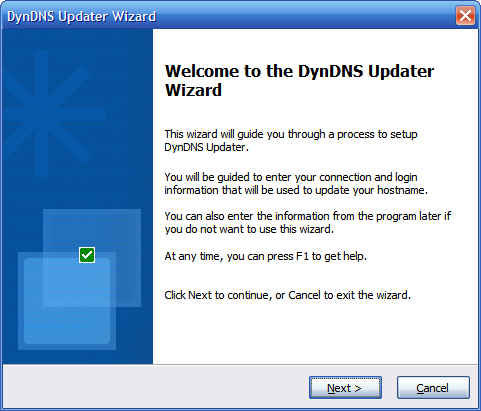
Image Description:
Kana Dynamic IP Updater 3 has a wizard that will guide you to configure the program. When you follow the wizard, you should be able to update your hostname correctly within minute.
This image shows the first page of the wizard.
Note that the wizard is only displayed when the program cannot detect its configuration file (DynDNS.ini). If you are upgrading from previous version, you will not see the wizard.
Image Properties:
Link to the image: https://kanasolution.com/wp-content/uploads/2010/11/wizard01.png
Full size of the image in pixels: 481 x 411
Attachment MIME type: image/png
Get more information by using Google search

Custom Search


- A A A

